
Easy Video Editor & Maker for Reels & TikTok.
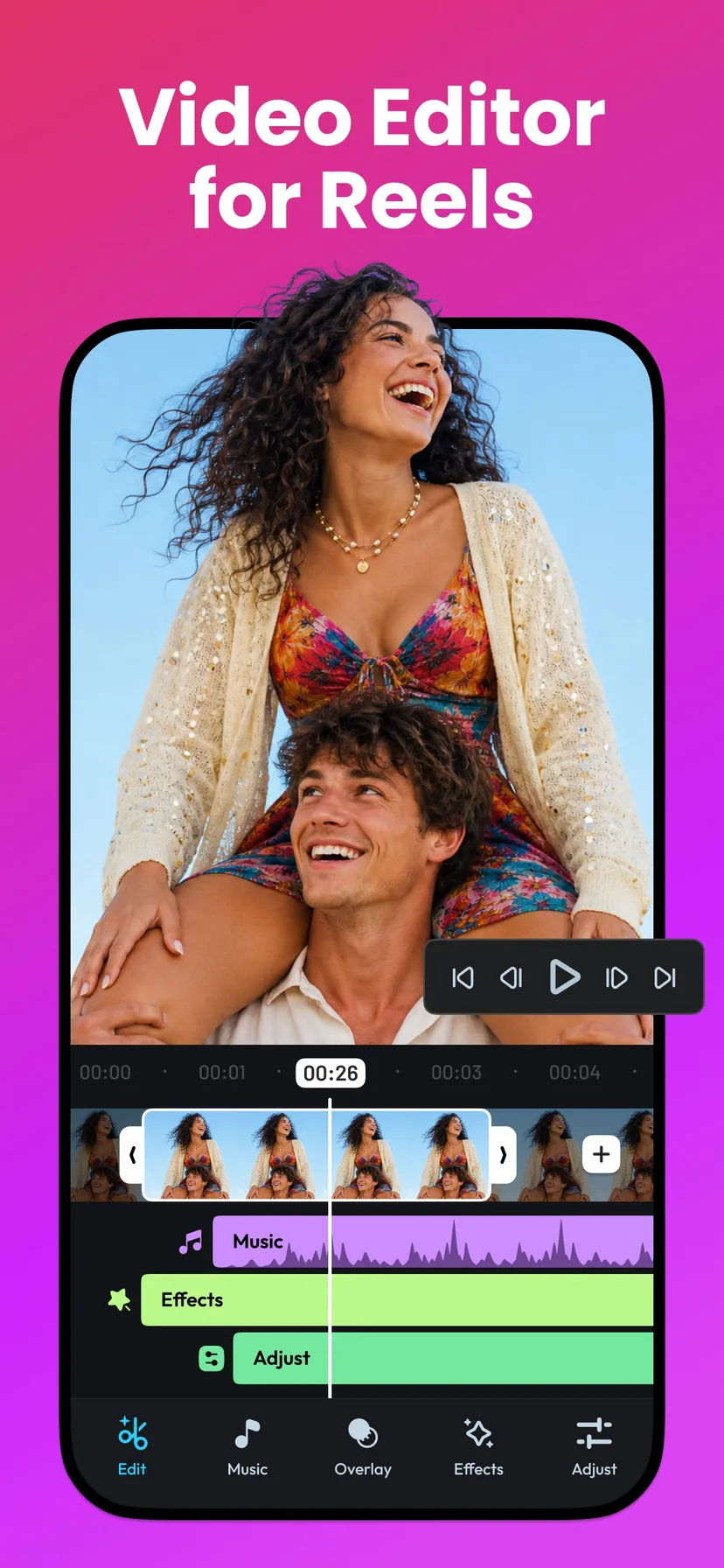
Create viral Reels and TikTok videos effortlessly with Edit Up. Open this video template to auto-sync your photos and clips with beat-matched music, cinematic transitions, and 4K export.

Powerful Video Editor & Music Gallery
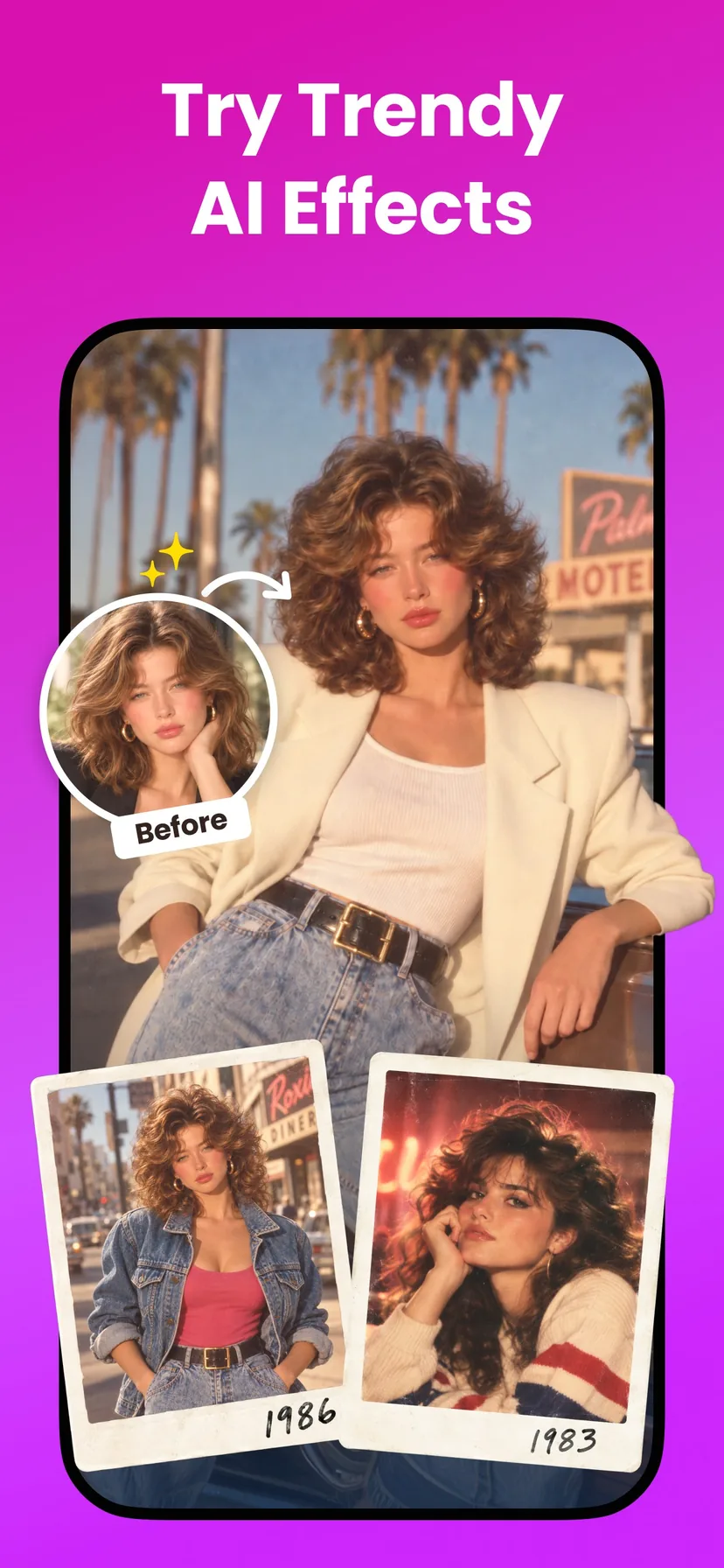
Create viral Reels, TikToks, and Shorts with Edit Up's comprehensive video editing suite. Beyond one-tap templates, take complete creative control with professional editing tools, trending music, and cinema-grade color presets.
-
Redesigned Music Gallery: Access an extensive library of trending background tracks, beats, and rhythmic sounds to bring your videos to life.
-
Improved Replace Feature: Seamlessly swap video clips on your timeline while preserving all your applied filters, speed adjustments, and effects.
-
Precision Cropping & Cutout: Frame vertical 9:16 for Reels & Stories, 1:1 for feed, or 16:9 for YouTube with zero black bars or awkward borders.
-
Text Effects, Creator Fonts & Doodles: Personalize your videos with stylish fonts, animated doodles, stickers, and hundreds of high-quality overlays.
-
Cinema Color Grading & Filters: Fine-tune exposure, contrast, and saturation, and apply professional presets for dramatic visual impact.
-
4K 60FPS Lossless Export: Export your finished video in crisp ultra-high definition with optimized bitrates and zero watermarks, ready to post immediately.
Beat Sync & Split
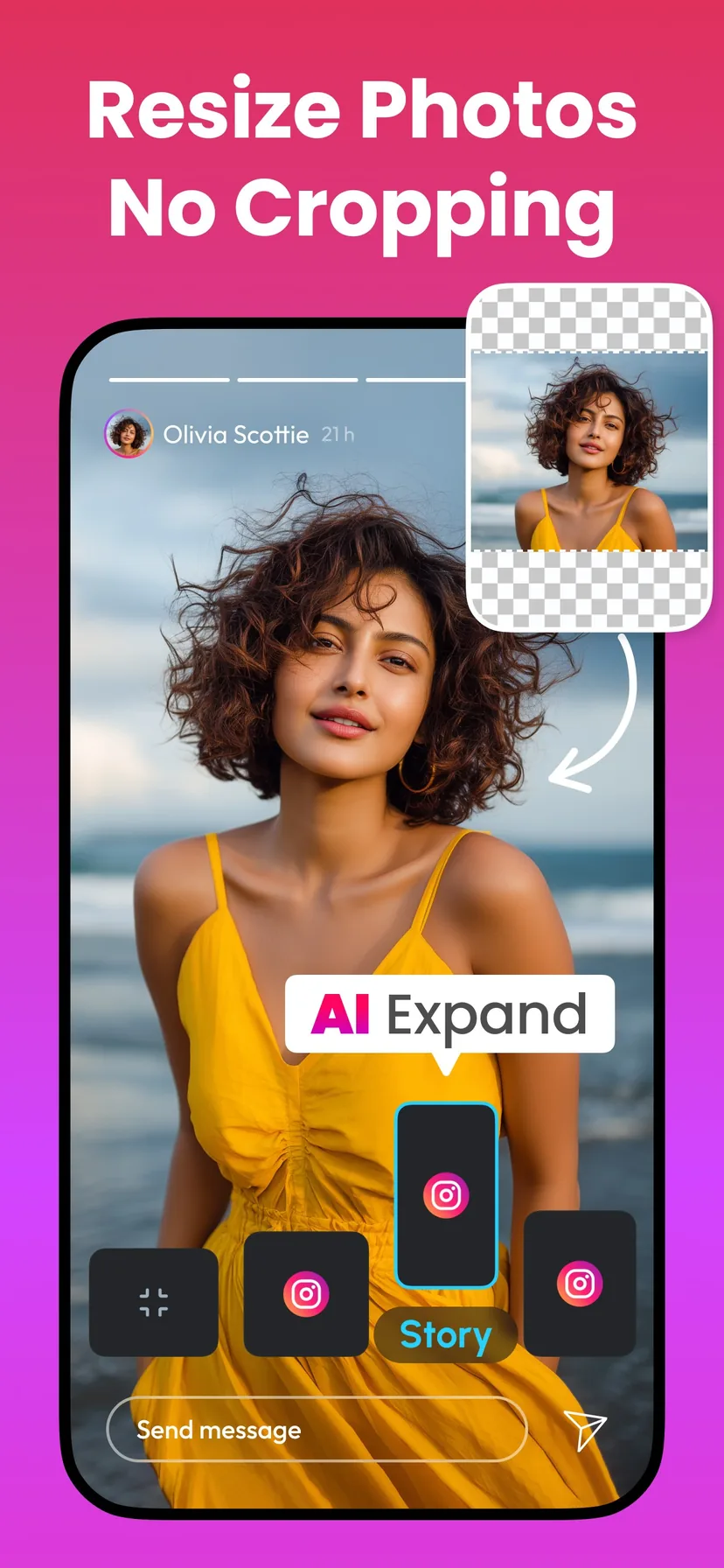
Generative Outpainting
9:16 Reels & 1:1 Feed
Post Full-Size Media Without Any Cropping
Keep the full beauty of your vertical videos and wide photos. Post full-size images to Instagram, TikTok, and YouTube without ugly cropping or awkward borders.
-
No-Crop Social Resizing: Fit any photo or video into 1:1 square, 4:5 portrait, 9:16 story, or 16:9 cinematic widescreen with zero lost pixels.
-
Magic Expand (AI Outpainting): Extend backgrounds realistically beyond original borders to convert horizontal videos into perfect vertical stories.
-
Custom Background Fills & Blur: Choose from elegant blurred backdrops, solid studio tones, or modern gradient fills.
-
Precision Controls & Compression: Move, rotate, scale, flip, and compress media without losing visual fidelity.
Crystal Clear HD in Just One Tap
Turn your old, blurry, grainy, pixelated, damaged, low-resolution photos into stunning high-definition output with our neural reconstruction model.
-
Influencer-Style Portraits: Enhance everyday portraits and selfies to crisp, magazine-cover quality with natural skin smoothing.
-
Repair Old Photos: Colorize vintage black-and-white photos, restore blurry edges, and repair scratches to make memories feel brand new.
-
Super Resolution: Upscale pixelated graphics and screenshots into sharp, crystal-clear 4K HD.
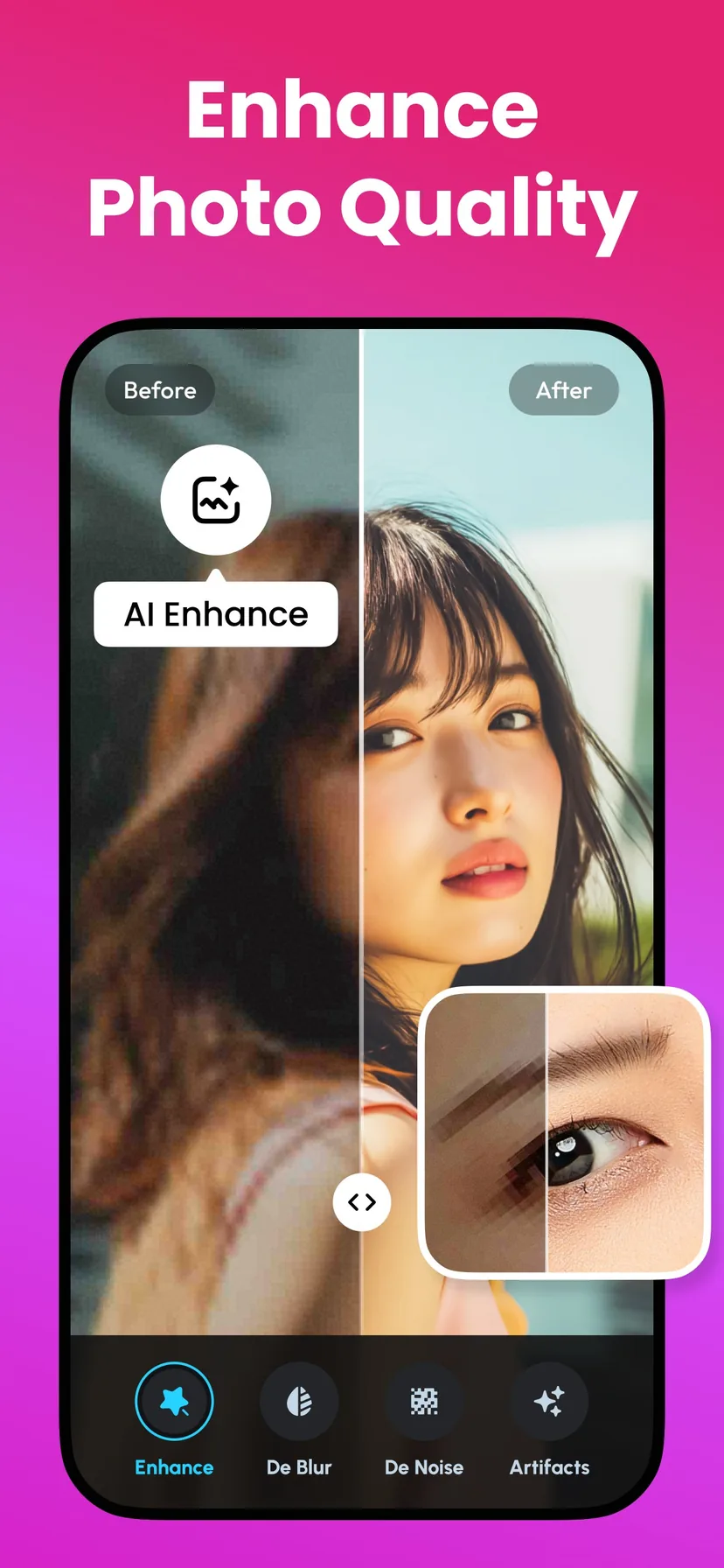
Neural Reconstruction
Face & Eye Loupe Zoom
1-tap AI extraction
Studio Backdrops
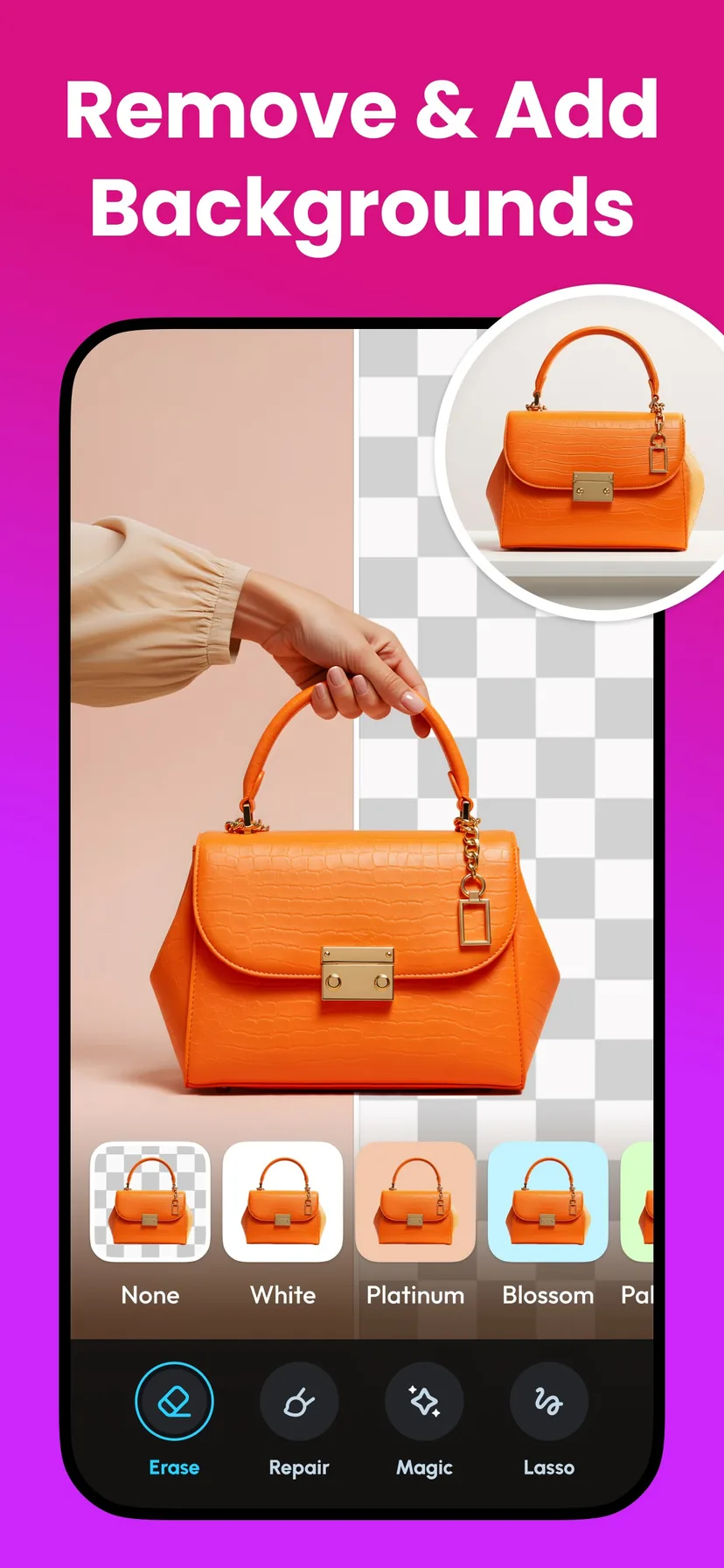
Studio Backgrounds & Instant Erasing
Create clean, commercial-ready cutouts or erase photobombers and watermarks with zero editing experience required.
-
One-Tap Background Removal: Instantly isolate people or products. Replace backgrounds with studio colors, aesthetic gradients, or custom scenes.
-
Realistic 3D Shadows: Add adjustable-color, blur-controlled 3D drop shadows to make products float with authentic depth.
-
Stylish Outlines: Add eye-catching neon or white contour borders to make YouTube thumbnails and sticker cutouts pop.
-
AI Object Removal: AI-powered detection automatically identifies unwanted people, clutter, and watermarks for clean removal.
How to Use This Template in Edit Up
Three effortless steps to transform your raw photos and video clips into a viral, beat-synced masterpiece.
Tap "Use Template"
Tap the button on your iPhone or scan the QR code from your computer screen. Edit Up will immediately open and load this template.
Select Your Media
Choose your favorite photos and video clips from your camera roll. Edit Up automatically trims and syncs them to the audio beat.
Customize & Export
Fine-tune with Edit Up's video filters, creator text effects, or background audio, then export in crystal-clear 4K directly to social media.